A client's email you want reworded, a brief you want summarized, a messy spreadsheet you want cleaned up: most freelancers who use ChatGPT have pasted something like this into it. Far fewer stopped first to check whether they were allowed to.
So can you put client information into ChatGPT? Sometimes. The answer turns on three checks, in this order: what your contract with the client says, which ChatGPT plan you're on, and what's in the text you're about to paste. A business plan settles what OpenAI does with your data. It doesn't settle whether you were allowed to send the data in the first place, and that second question is the one that can lose you a client.
We'll go through each check, then what each plan does with your chats (using OpenAI's own help pages), how NDAs treat AI tools, what to strip out before you paste, how Claude and Gemini compare, and what to do if you've already shared something you shouldn't have.
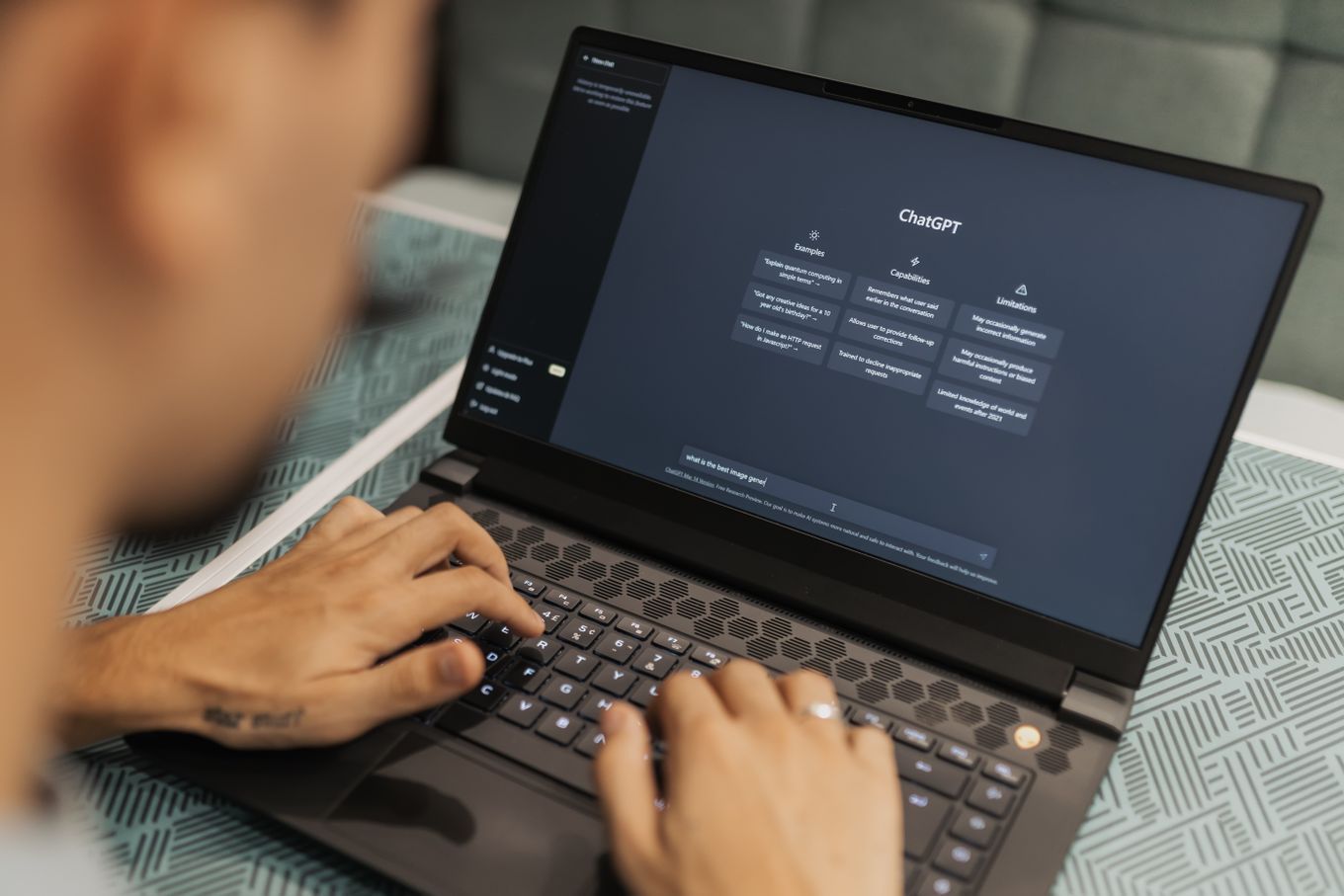
Photo by Matheus Bertelli on Pexels
Can you put client information into ChatGPT? Three checks
Run these before you paste anything a client gave you:
- The contract. Look for a confidentiality clause or a separate NDA. If it limits who you can share the client's information with, an AI tool is very likely covered, whatever plan you pay for. Some newer contracts mention AI by name.
- The plan. Personal ChatGPT plans can use your chats to train OpenAI's models unless you switch that off. Business and Enterprise workspaces don't by default. Either way, the text sits on OpenAI's servers for a while.
- The content. A paragraph of marketing copy and a customer list are different risks. Names, contact details, financials, passwords and anything the client marked confidential need the most care.
If the contract says nothing and the content is low-risk, you're usually fine on any plan once training is off. If the contract restricts sharing, or the content is sensitive, you need the client's OK first. A better privacy setting doesn't replace it.
Is ChatGPT confidential? What happens to what you paste
Not in any legal sense. Typing something into ChatGPT doesn't make it privileged or protected the way a conversation with your lawyer is. What you paste is stored on OpenAI's systems, and OpenAI's retention policy says even deleted chats can be kept longer when it has security or legal obligations.
What OpenAI does with it day to day depends on the plan:
| Plan | Used to train models? | Deleted chats removed within |
|---|---|---|
| Free, Plus, Pro | Yes, unless you turn it off | 30 days |
| Temporary chat (personal plans) | No | 30 days, without you deleting it |
| Business | No, by default | 30 days; admins set retention |
| Enterprise | No, by default | 30 days; admins set retention |
OpenAI's API is also excluded from training by default. On personal plans the setting is called "Improve the model for everyone," under Settings, then Data controls, and paying for Plus or Pro doesn't change its default. Upgrading to Plus buys you a smarter model, not a more discreet one.
A few details from OpenAI's help pages that are easy to miss:
- Turning training off only covers new chats. Anything you pasted before you switched it off was already eligible.
- Feedback undoes the opt-out for that chat. On Free, Plus and Pro, clicking thumbs up or thumbs down lets OpenAI train on the entire conversation, even with training turned off. On Business and Enterprise, feedback doesn't allow training.
- Deleting a chat doesn't delete the files in it. Uploaded documents are saved to your Library where it's available, and they stay there until you delete them separately. Files uploaded to a project or custom GPT stay until the project or GPT is deleted.
- Temporary chats stop being temporary if you save them. A saved temporary chat becomes a regular chat and follows your normal training setting.
- Business admins can read your chats. In a ChatGPT Business workspace, admins can view, export and delete members' conversations. That's useful for a team, but it means a shared workspace isn't private between colleagues.
ChatGPT and NDAs: why your plan doesn't settle it
An NDA usually does two things. It limits who you can pass the client's information to, often anyone outside a small group of people who need it for the project, and it limits what you can use the information for. Pasting the client's material into ChatGPT sends it to OpenAI, a company outside that group. The plan you're on changes what OpenAI does with the text afterward. It doesn't change the fact that you sent it.
That's why "chatgpt nda" questions rarely have a clean yes. Read your agreement for these words:
- "Third party" or "any person": a broad ban on disclosure, which an AI provider can fall under.
- "Service providers" or "subcontractors": some NDAs allow these if they're bound by confidentiality, which may or may not stretch to a software company.
- "Artificial intelligence," "machine learning" or "generative AI": newer contracts name AI tools directly, either banning them or allowing approved business versions.

Photo by Kaboompics.com on Pexels
Personal data adds a second layer when your client is in the UK or EU. If you handle their customers' names, emails or order history, GDPR treats you as a processor working on the client's behalf, and a processor can't hand that data to another processor without the client's written authorization. OpenAI offers a data processing agreement for ChatGPT Business, Enterprise and the API, according to its enterprise privacy page. It doesn't list one for Plus. So is ChatGPT Business GDPR compliant? It can be part of a compliant setup once that agreement is signed and the client has agreed. Pasting a customer list into a personal account isn't.
When the contract is unclear, ask. Most clients say yes to a specific request, such as summarizing their research notes with names removed, much more readily than to a vague one. Get the answer in writing, even if it's one line in an email.
Is it safe to upload confidential documents to ChatGPT?
Uploading a whole document is riskier than pasting the paragraph you need. A file brings everything with it: the sections you didn't need, comments, tracked changes, hidden spreadsheet tabs and the author's name in the file details. And as above, it can stay in your Library after you delete the chat.
Whatever plan you use, keep these out of ChatGPT unless the client has agreed in writing:
- passwords, API keys and login details for client accounts
- customer lists and other people's personal data (names, emails, addresses, phone numbers)
- unreleased financials, pricing, product plans or launch dates
- contracts, legal letters and anything marked confidential
- health records, ID documents and bank details
A useful test: would you be comfortable emailing this file to a support engineer at a software company you've never dealt with? If the answer is no, don't upload it.
How to use ChatGPT on client work without sharing client data
Most client work doesn't need the client's real details. ChatGPT can restructure a proposal, tighten a landing page or explain a spreadsheet formula just as well when the names are fake. A safer routine:
- Swap names for placeholders. "Client A," "Product X," "[city]," "$X." Keep the key in your own notes and swap the real details back in afterward.
- Describe the problem instead of pasting it. "A SaaS client's churn rose after a price change; draft three survey questions" needs none of their data.
- Use a temporary chat for anything borderline, and pick Unpersonalized so it doesn't pull in your memories or custom instructions.
- Turn off "Improve the model for everyone" once, so every new chat on your account is covered.
- Skip the thumbs on any chat with client material in it.
- Delete the chat when you're done, and check your Library for uploaded files.
- Move to a Business workspace if client work is most of what you use ChatGPT for, and sign OpenAI's data processing agreement if you work with UK or EU clients' personal data.
One warning about anonymizing: removing names isn't always enough. "A fintech in Austin with 40 staff, launching a savings app in March" describes one company, and anyone who knows the market can tell which. Strip the details that make the client identifiable, too.
Is Claude or Gemini any different?
The same three checks apply to every AI tool, and the defaults differ.
Claude. According to Anthropic's privacy center, the Free, Pro and Max plans use your chats for training only if you allow it in your privacy settings, or if a chat is flagged for safety review. If you allow it, Anthropic keeps that data for up to five years. If you don't, the standard retention is 30 days. Incognito chats are never used for training. Thumbs-up and thumbs-down feedback is stored for up to five years. Claude's Team and Enterprise plans and its API fall under commercial terms and aren't covered by that consumer setting.
Gemini. Google's Gemini privacy hub says human reviewers read a subset of chats to improve its models, and reviewed chats are kept for up to three years even after you delete your activity. Google itself asks you not to enter confidential information you wouldn't want a reviewer to see. Turning off the Keep Activity setting, or using a temporary chat, keeps future chats out of model training (unless you send feedback), and Google holds those chats for 72 hours. A work or school Google account follows Google Workspace's terms instead.
I put confidential info into ChatGPT: what happens now?
If you've already pasted something you shouldn't have, act in this order:
- Delete the chat. It disappears from your account straight away, and OpenAI schedules it for permanent deletion within 30 days, unless it has been de-identified or OpenAI must keep it for security or legal reasons.
- Delete any uploaded files separately. Check your Library, and any project or custom GPT you used.
- Turn off "Improve the model for everyone." It covers new chats from that point on.
- Reread your NDA for a notice clause. Some require you to tell the client promptly about any disclosure the agreement doesn't allow. If yours does, telling them is part of the contract.
Whether or not the contract requires it, a short, early message is usually the better option. "I pasted part of your brief into ChatGPT before checking our NDA; I've deleted it, and here's what I'll do from now on" is an awkward email to send. It's much less awkward than the client finding out some other way.
Put it in writing: a confidentiality line for your quotes
The easiest time to settle this is before the project starts. A line in your terms tells the client how you use AI and gives them a clear point to object to. Something like:
I use AI tools for research and drafting. I don't put your confidential information, files or customer data into them without your written permission, and when you give it, I use a business account that doesn't train on your data.
You can paste that into the Terms & conditions box of our free quote generator so it goes out with every quote. For the wider question of when to mention AI to a client at all, see do you have to tell clients you use AI?, and for who owns the work afterward, who owns AI-generated content.
Frequently asked questions
Can someone else see my ChatGPT chats?
Other ChatGPT users can't browse your chats, but a few people can see them. Anyone you send a shared link to can read that conversation. In a Business workspace, admins can view and export members' chats. OpenAI says its own access is limited to authorized staff and contractors for support, abuse investigations and legal compliance.
Is ChatGPT Temporary Chat safe?
It's safer than a regular chat. Temporary chats aren't used for training, don't appear in your history and don't create memories. OpenAI may still keep a copy for up to 30 days for safety reasons, so it doesn't make sharing confidential material acceptable if your contract forbids it.
Does ChatGPT Plus train on your data?
It can. Plus is a personal plan, so your chats can be used for training unless you turn off "Improve the model for everyone" in Data controls. ChatGPT Business, Enterprise and the API don't use your data for training by default.
Does paying for ChatGPT make it confidential?
Not on its own. A Business or Enterprise plan stops training by default and adds admin controls and a data processing agreement, but your client's information still goes to OpenAI. If your NDA restricts sharing with third parties, you need the client's permission whatever you pay.