Somewhere around 2020, the QR code stopped being a marketing gimmick and became something people actually use. Restaurants put them on tables, retailers put them on packaging, and service businesses found that a small square of pixels on a business card could do the work of a URL nobody was going to type.
If you've been wondering how to create a QR code for your business, the answer is: very quickly. The part that takes longer — and is worth thinking through — is what to link it to and where to place it. A QR code pointing at a vague homepage is barely more useful than no QR code at all.
This guide covers both: the creation itself, the right places to use one, and how to make sure whoever scans it ends up somewhere that was actually worth scanning to.
How to create a QR code for your business

Before generating anything, decide what you want the code to link to. For most business use cases, that's a URL — but QR codes can also encode phone numbers, email addresses, and even Wi-Fi credentials. Get that sorted first; changing it later means generating a new code and reprinting anything that has it.
You also have a choice between two types:
- Static QR codes have the destination encoded directly into the pattern. Free to create and reliable for the long term — but if you want to change where the code points, you need to generate a new one and reprint. For most small businesses, this is fine.
- Dynamic QR codes point to a redirect URL that you can update any time, without changing the printed code. Useful if you're printing large quantities or the destination might change later. Usually a paid feature of third-party generators.
To generate a static code using our QR Code Generator: paste your URL, hit generate, and download as PNG for digital use or SVG for print. That's the whole process.
One step that's easy to skip and shouldn't be: test the code on a different device before printing anything. Not the same phone that's on the same Wi-Fi as your laptop — scan it the way a stranger would, in normal lighting, at normal distance. If it works cleanly, you're good to print.
Where QR codes actually work
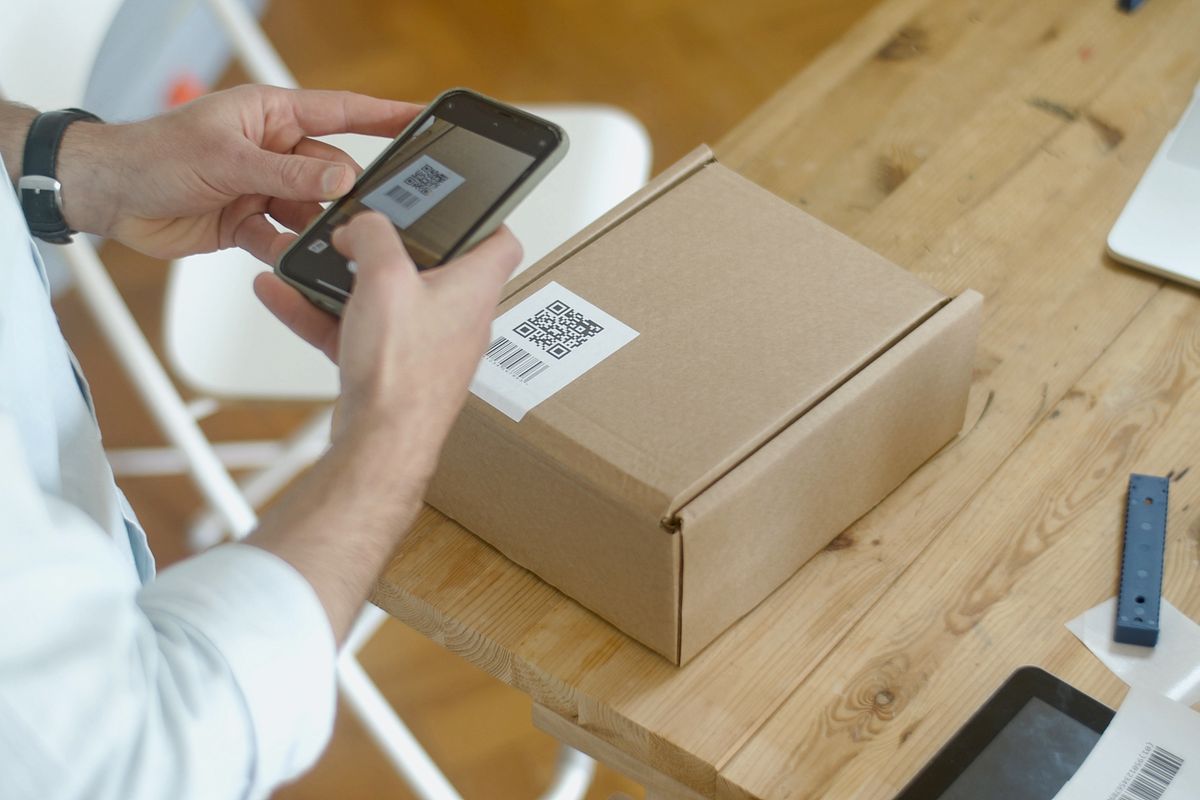
Photo by Kampus Production on Pexels
QR codes work best when they remove friction — when the alternative is typing a long URL, digging through a search result, or just not bothering. Here are the placements that actually earn their space:
- Business cards. A QR code linking to your portfolio, LinkedIn, or online booking page is far more likely to be used than a URL someone has to type. It also means the card stays relevant even if your details change — just update the destination.
- Menus. Link to a full digital menu, the week's specials, or an online ordering page. Saves printing costs every time something changes and keeps the physical menu clean.
- Packaging. Link to care instructions, assembly guides, or product registration. Better than a tiny printed URL, and a lot more likely to actually get used.
- Storefronts and signage. One of the highest-return uses: a QR code on your door or window linking directly to your Google review page makes it frictionless for happy customers to leave a review. You're removing every step between "I had a good experience" and "I left a review." That's genuinely valuable.
- Event materials. Event schedule, social profiles, Wi-Fi credentials (yes, QR codes can connect guests to Wi-Fi automatically, which people love).
One placement that rarely makes sense: email signatures. If someone's reading your email on a device, pointing them to a QR code that opens a URL on that same device just adds steps. A hyperlink does the job better. The exception is if your emails are ever printed — unusual, but it happens in some industries.
What to link to — and how to make it work
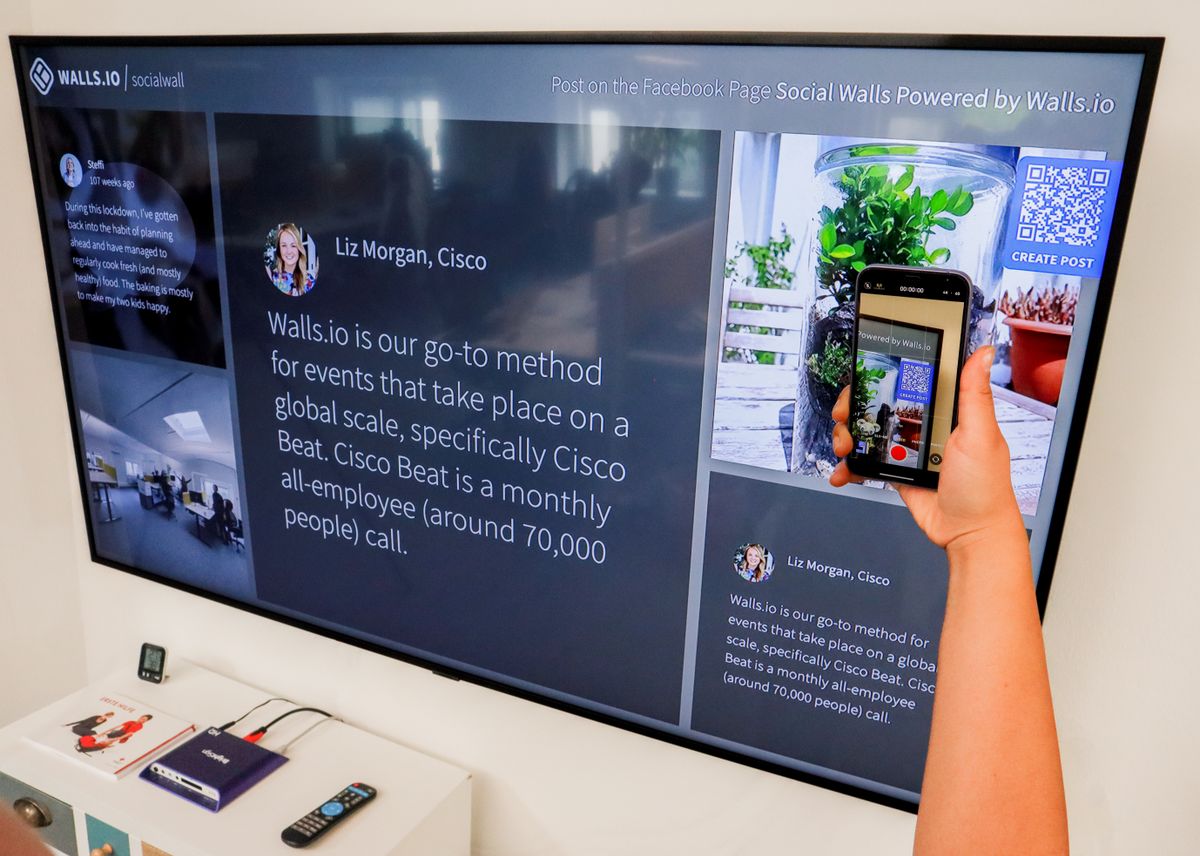
Skip the homepage. It's too vague for almost every QR code context. Someone scanning from your packaging doesn't want to figure out where to navigate from your homepage — they want to arrive somewhere specific and useful immediately.
Match the destination to the context. The code on a business card goes to your portfolio or booking page. The one on a menu goes to the menu. The one on a product goes to care instructions. The one on your storefront window goes to your Google reviews. Every placement should have a distinct, purposeful destination.
A few technical things that affect whether the whole thing actually works:
- Mobile-first destination. The person scanning is on their phone. If the page they land on isn't mobile-optimized, the scan was a waste of their time. Check it on your own phone before printing.
- Shorter URLs produce cleaner codes. A very long URL encodes into a denser, more complex pattern — harder to scan, especially at small sizes or in imperfect lighting. Use a clean slug or a URL shortener where possible.
- Respect the quiet zone. QR codes need a white border around the pattern — called the quiet zone — to scan correctly. Don't crop it when placing in a design, and don't overlay text or other graphics on the edges of the code.
- Minimum print size. Roughly 2.5cm × 2.5cm (about 1 inch square) is the practical floor for reliable scanning at normal distance. Go smaller than that and you're testing people's patience and their camera quality simultaneously.
- Test in realistic conditions. Scan it in the same kind of lighting and at the same distance someone would actually use it. A code that scans fine on a well-lit desk might struggle in the dim corner of a restaurant. Fix it before it's printed.
Frequently asked questions
What is the difference between a static and dynamic QR code?
Static codes have the destination encoded directly in the pattern — free, permanent, but you need to regenerate and reprint if the destination changes. Dynamic codes point to a redirect you can update any time without changing the printed code. Dynamic is most useful when printing large quantities or when the linked page might move. It's usually a paid feature.
What should my QR code link to?
Something specific to the context it's in. The code on a business card could go to a portfolio or booking page. The one on packaging goes to care instructions or product registration. The one on a storefront sign goes to your Google reviews. Linking every code to your homepage is the least useful option in almost every case.
Do QR codes expire?
Static QR codes don't expire — they work as long as the URL they point to is live. Dynamic QR codes depend on the service managing the redirect; if the service closes or you stop paying, the redirect stops working. For long-term printed materials, static codes are the safer bet.
How small can a QR code be and still scan reliably?
Roughly 2.5cm × 2.5cm (about 1 inch square) is the practical minimum at standard scanning distance. Below that, reliability drops — especially in lower light or on older phones. For business cards where space is tight, aim for at least 2cm × 2cm and test it on multiple devices.
Can I add a logo to a QR code?
Yes. QR codes are designed with built-in error correction that allows up to roughly 30% of the pattern to be obscured without affecting scannability. A small, centered logo is fine. Just test it after adding the logo — scan it on two or three different phones to confirm it reads cleanly before printing.